
v1.2.0 — now on Windows and macOS
Find the screenshot you can describe but can't name.
SnapSaw reads every capture the moment you take it — the text on screen, what's in the picture, which app it came from — and writes a searchable record that stays on your machine.
Free for your first 200 screenshots · No account needed to start · Windows 10+ and macOS 11+

search
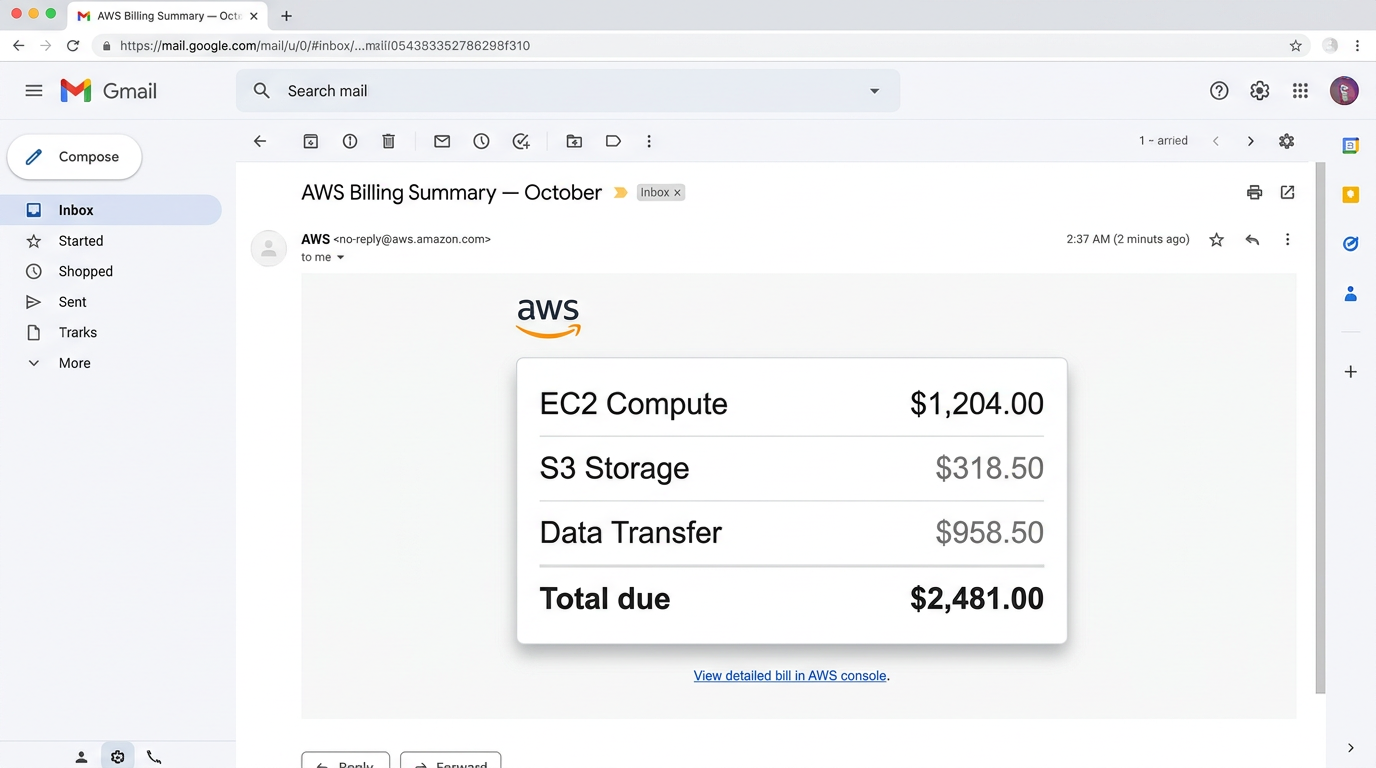
Gmail · 3w ago
AWS billing summary — OCT
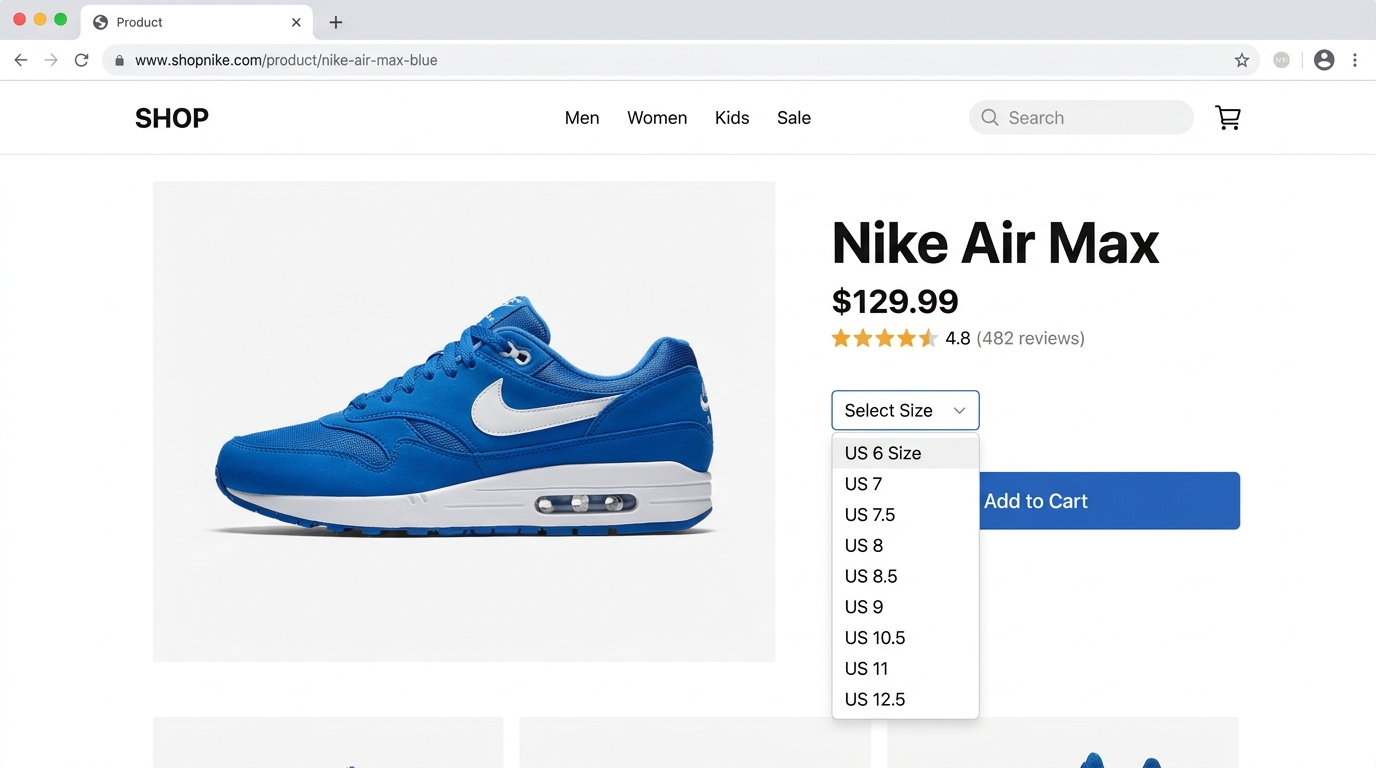
Photos · 6w ago
Coffee receipt for expenses
Your library is a file on your own disk.
- The index is a local SQLite database. Search runs against that file — no server call, works offline.
- A new capture is analysed over an encrypted connection, then the record comes back and stays local. That is the only network step.
- Export the whole library or delete it whenever you like. It isn't sold and it isn't mined.
Start free. Pay when you outgrow it.
Free
$0
forever
- Up to 200 indexed screenshots
- Full plain-language search
- OCR, vision and auto-tagging
- Cloud backup and multi-device sync
Pro
Most popular$3.5
per month, billed yearly — or $5/mo
- Up to 3,000 indexed screenshots
- Encrypted cloud backup
- Sync across Windows and macOS
- Priority email support
Team
Custom
shared libraries for teams
- Everything in Pro
- Shared searchable libraries
- SSO and admin controls
- Volume licensing
Install it, then forget it's there.
macOS
macOS 11 or later · on first launch, right-click the app and choose Open — the build isn't notarised yet.
Download .dmgVersion 1.2.0 · Compare plans